Case study 05
Quibble
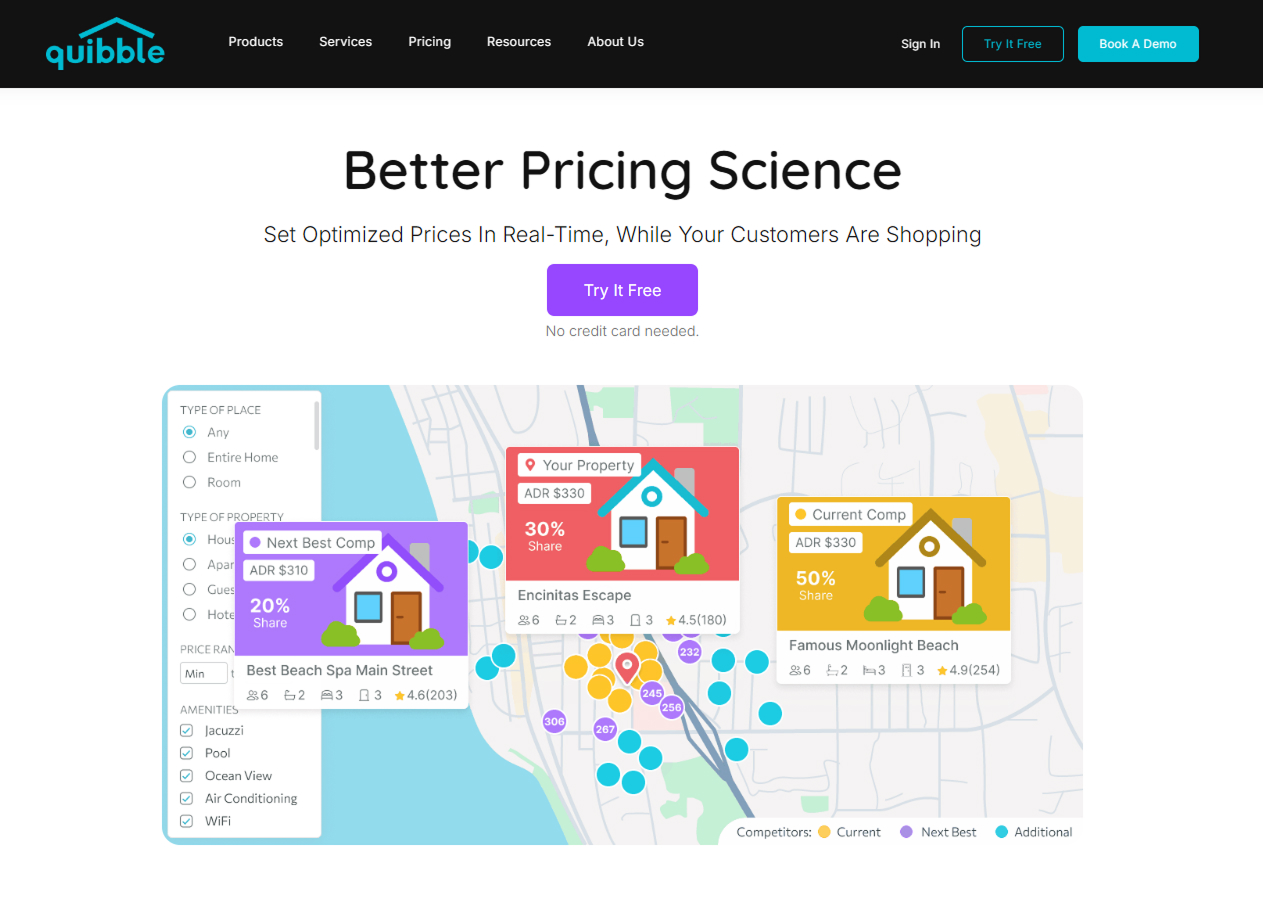
Real-time pricing science that optimizes product prices while customers are actively shopping. End-to-end SaaS product design, from research to production.
Challenge
The challenge
E-commerce pricing is largely static: prices are set once and rarely updated in response to real customer behavior. Merchants leave revenue on the table by not adapting prices as demand shifts throughout the day.
The challenge: design a SaaS tool that gives merchants real-time pricing intelligence without overwhelming them or requiring a data science team to operate it.
Solution
The solution
Quibble surfaces pricing opportunities in plain language, with no dashboards full of unintelligible data. The interface adapts to the merchant's context, showing only what's relevant to act on right now.
- Real-time demand signal dashboard with actionable pricing recommendations
- One-click price adjustments with projected revenue impact
- Product performance timeline to track price experiment outcomes
- Competitor price monitoring built into the decision flow
- Onboarding wizard: signup to first optimization in under 10 minutes
Process
My process
I ran discovery workshops with the product team and real merchant users to understand their mental model of pricing. Most merchants price by gut, so the design had to translate algorithmic intelligence into confidence a person can act on.
- Stakeholder interviews and merchant user research sessions
- Competitive analysis of existing pricing tools and their UX shortfalls
- Information architecture and user journey mapping
- Low-fi wireframes iterated through 3 rounds of feedback
- High-fidelity Figma prototypes with interactive states and micro-interactions
- Handoff documentation and design system components
Screens
Project screens
Click any screen to zoom in.