Case study 04
TCHRS
Turn your lesson plan into an exam, and the exam into a marked class report. TCHRS is a web assessment platform built around how Filipino public school teachers already work: lesson plans, class sections, LRNs, and paper exams.
Try TCHRS with your class
TCHRS is live. Teacher accounts are invite-only for now, so send me a quick email and I'll send you an invitation link. Students don't need an account: they sign in with their LRN and the access code you give them.
Challenge
The challenge
Public school teachers already write detailed lesson plans, then write the exams for them separately, check every paper by hand, and tally the results into a report. And many classes still sit their exams on paper.
The challenge: let a teacher go from lesson plan to marked class report in one place, whether the class sits the exam online or on paper, without giving every student an email account.
Solution
The solution
TCHRS starts from what teachers already have. They upload their lesson plans, generate an exam from one or several plans, edit it freely, and publish it only to the class sections it's meant for. Paper and online results meet in the same report.
- Upload lesson plans (.docx, .md, .txt, or pasted text), several at once
- AI-generated exams spread across a whole quarter's plans, fully editable
- Table of Specification support, with items tagged by competency and Bloom level
- Publish to specific class sections, with an optional closing time
- Students sign in with their LRN and an access code, with no email account needed
- Print-ready student papers, answer keys, and tear-off answer sheets
- Photo-based paper marking: snap the answer sheet and confirm what was read
- Automatic class reports, per-question analysis, mastery by competency, and CSV export
Flow
How it works
TCHRS grew out of an earlier, broader school-management prototype of mine. I rebuilt it from scratch as a focused, independent assessment app that does one job end to end.
- Upload lesson plans, structured into units for a day, week, month, term, or year
- Generate the exam from one or several plans, then edit, reorder, or shuffle
- Set up classes (grade level + section) and print student access codes
- Publish to the sections that should see it, or print it for a paper sitting
- Students sit it online, or the teacher records paper results by photo, tick, or score
- Read the report: pass/fail rate, every score, a per-question breakdown, and a per-class split
Screens
Inside TCHRS
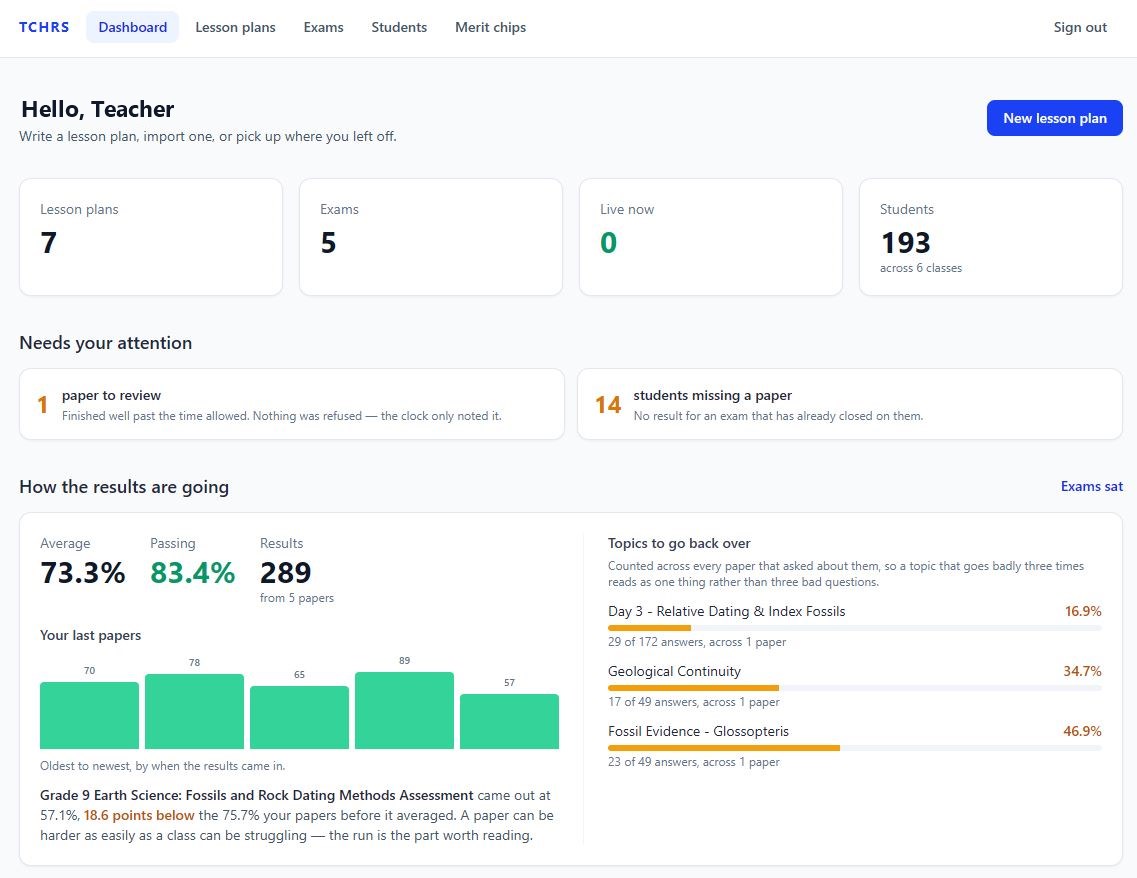
Screens from the live app. Click any screen to zoom in.
Start from the plans teachers already write
Uploaded and generated lesson plans sit in one list, each showing its subject, grade, sections, and span, so the next exam always starts from real classroom material.
One form from plan to exam
Pick a question style, how many questions, the difficulty, and an optional focus, then generate. The plan's title, framework, and overview stay editable right below.
Every question stays the teacher's call
Edit any question or option, mark the correct answer, set points, and keep a private explanation. An answer-key summary and one-click shuffles keep the key from leaning on one letter.
Results that show which class needs help
Pass rate, average, and score range at a glance, plus a by-class split, because a combined pass rate can hide one section struggling while another sails through.